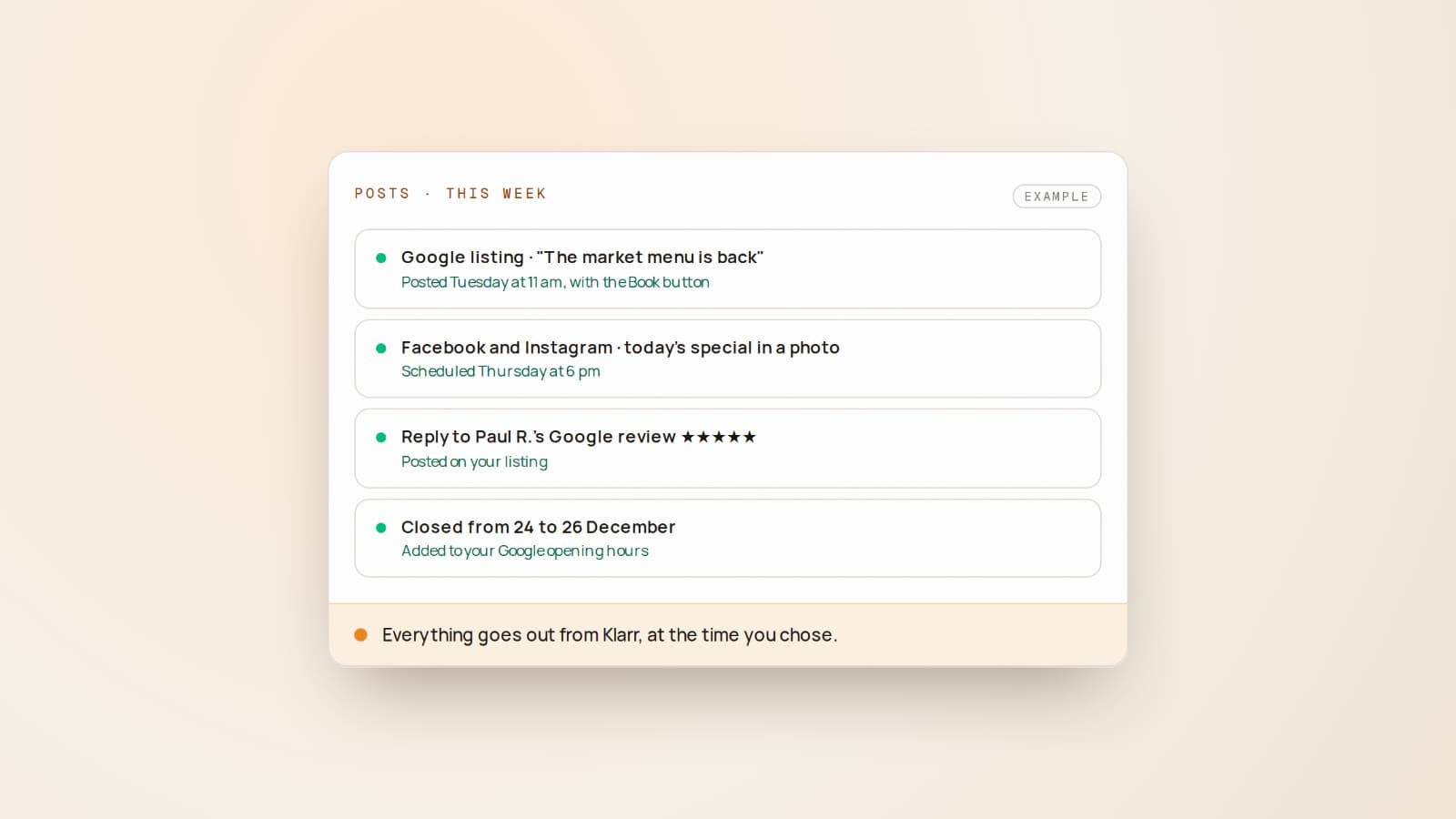
This time, the news is about Klarr itself, not the industry. We're writing it up because it changes day-to-day life for the restaurants that use Klarr, and because it answers the question we're asked most often: "can Klarr post for me?" Yes, it now can.
What's changing
Posting to a Google listing, a Facebook page or an Instagram account from another tool needs Google's and Meta's approval. Each one reviews the app, what it publishes, and how it asks the restaurant for permission. Those approvals have come through.
Until now, Klarr prepared the texts and restaurants copied them into each app themselves. Now they post them from Klarr, in one place for all three.
On your Google listing
- Scheduled posts, with a button that leads wherever you like: your booking page, your menu, your website. Addresses you've already used are saved, so you don't have to type them again.
- Right away or later: "Publish now", or the day and time of your choice.
- A photo from your gallery, or your own, added from your phone.
- The post of the week, prepared by Klarr every Monday, goes out on your listing on its own the next day, unless you say no. You can edit it, cancel it, or remove it from Google once it's live.
- Your replies to Google reviews are posted straight to your listing, and your closures are added to your Google opening hours.
On Facebook and Instagram
- A post with up to 10 photos. Give an idea in a few words and Klarr suggests a caption; you read it over and edit it.
- Right away, or scheduled up to two and a half months ahead.
- The post of the week in one click, from Klarr's home screen: "Post on Facebook and Instagram".
- Every post is tracked: published, or refused by the network, with the reason and a button to try again.
Nothing goes out on Facebook or Instagram without your click. Klarr doesn't make images: it posts your photos.
How to turn it on
- In Klarr, open Connections.
- Google: click "Allow" and choose your restaurant.
- Facebook: sign in, choose your page, and tick your Instagram account too.
For Instagram, one condition: the account must be a professional account, linked to your Facebook page. You can switch in two minutes in the Instagram app, and it's free.
Who it's for
All restaurants with Klarr's Visibility module. Those who don't want anything posted automatically stay in control: automatic posting of the post of the week on Google can be switched off in one click, and Facebook and Instagram always wait for you.