The more Google reviews you have, the higher your restaurant appears on Google and the more trust it inspires. The problem: happy guests forget to leave one. Klarr asks them for you, the next day, without you having to do anything.
The review request, the next day
The day after their visit, around 11 am, your guests receive a thank-you email, in the language they booked in. It contains a Leave a review on Google button and, just below, a link to write to you directly if something wasn't right.
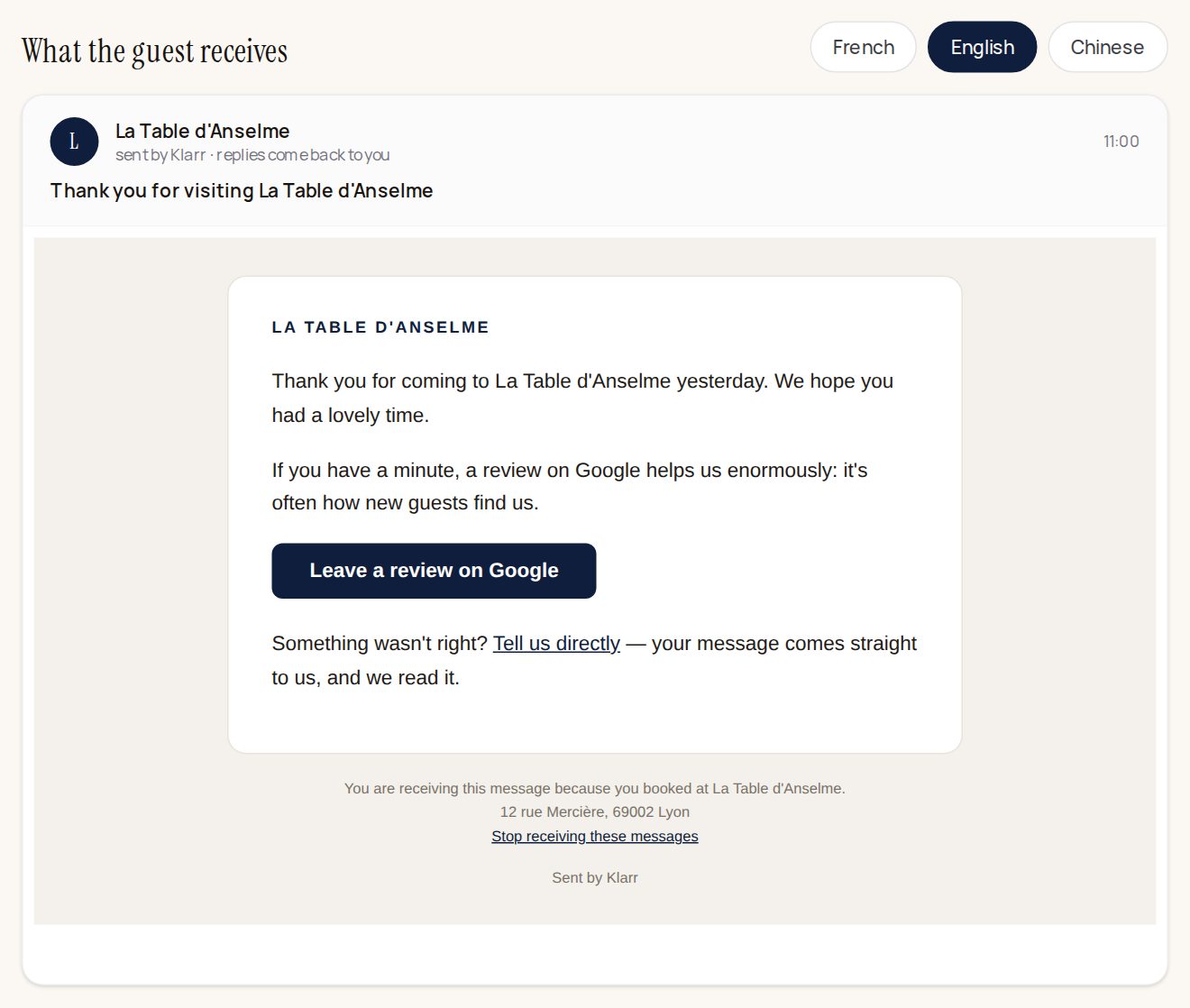
It is the same message for everyone. Google forbids inviting only happy guests, and a listing that sorts its reviews can be penalised.
There is nothing to switch on: it runs from your very first booking. For it to work, you only need:
- your booking page to have an address (it carries the link to Google and the form to write to you);
- the guest to be in your booking book, with their email address.
Who receives it, and who doesn't
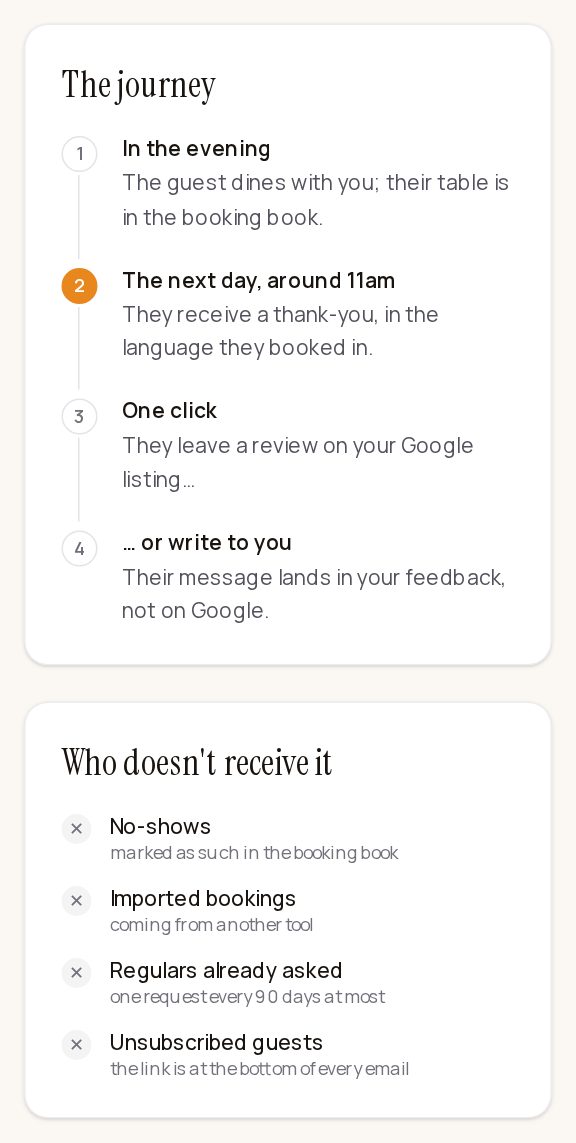
These guests don't receive it: those marked as no-shows, bookings imported from another tool, regulars already asked (once every 90 days at most), and those who unsubscribed (the link is at the bottom of every email).
Seeing the message, or turning it off
- Go to Notifications, By email part, then click The review request, the next day. (You can also go through the Reviews page, Ask for a review the next day button.)
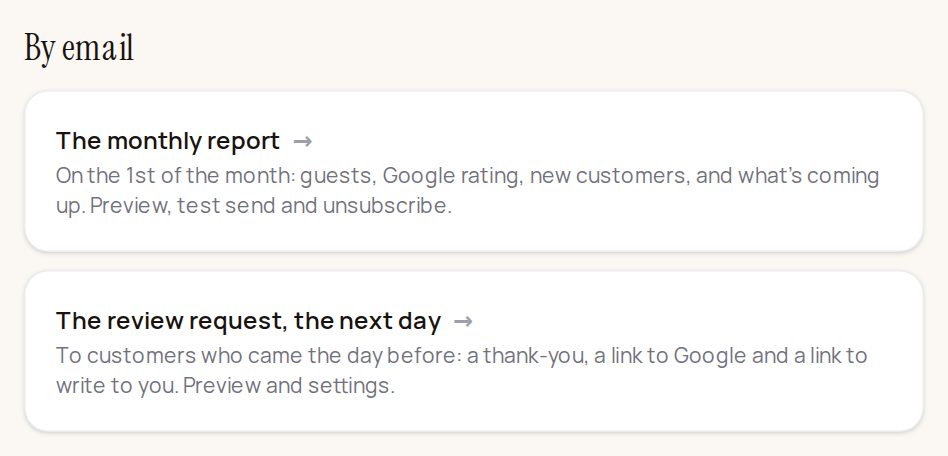
- You land on the After the visit page: the number of requests sent over the last 30 days, and the exact preview of the email. The French, English and Chinese buttons show the version each guest receives.
- To stop sending, click Turn off. To start again, same button.
Private feedback
Some guests prefer to tell you things privately rather than on Google. They do so through the link in the email, or by scanning the QR code placed on the tables. The page they see offers both, side by side: they choose.
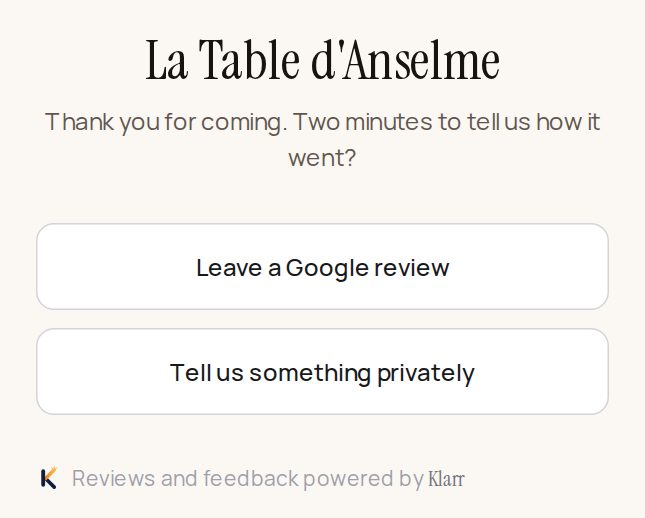
Their messages arrive in Guest feedback:
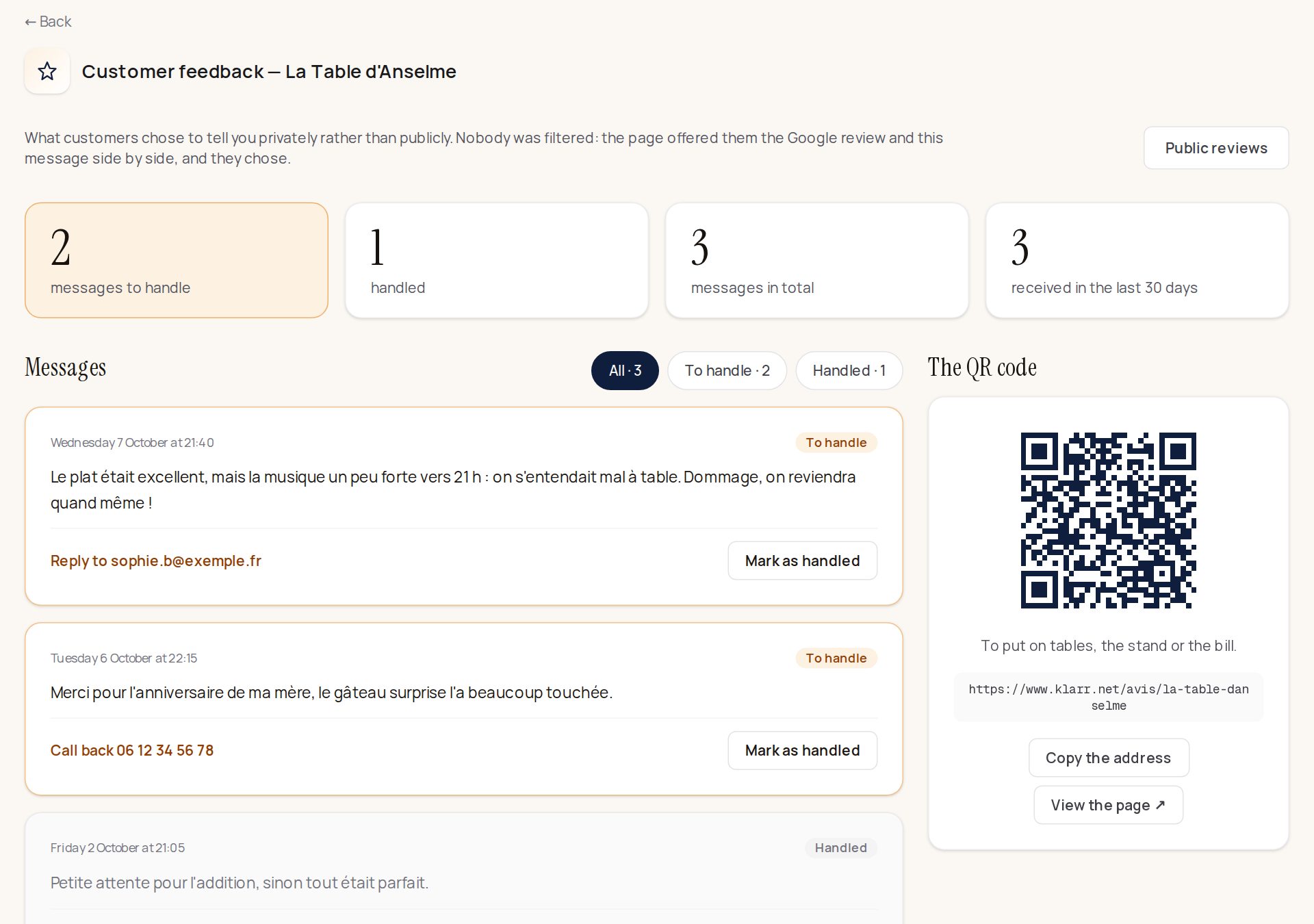
- Read the message.
- If the guest left an email address or a phone number, click Reply to… or Call back… to contact them.
- Click Mark as handled: the message moves to « Handled ».
The QR code is on the right of the page: Copy the address or See the page, and print it for your tables, your counter or your bills. Unread feedback is also counted on your home screen, in "To do".