Your Google listing is the little box that appears when someone searches for your restaurant on Google or Google Maps: your address, opening hours, photos, rating and reviews. It is often the first thing a guest sees of you. Once it is linked to Klarr, you no longer have to look after it by hand.
Linking your listing, step by step
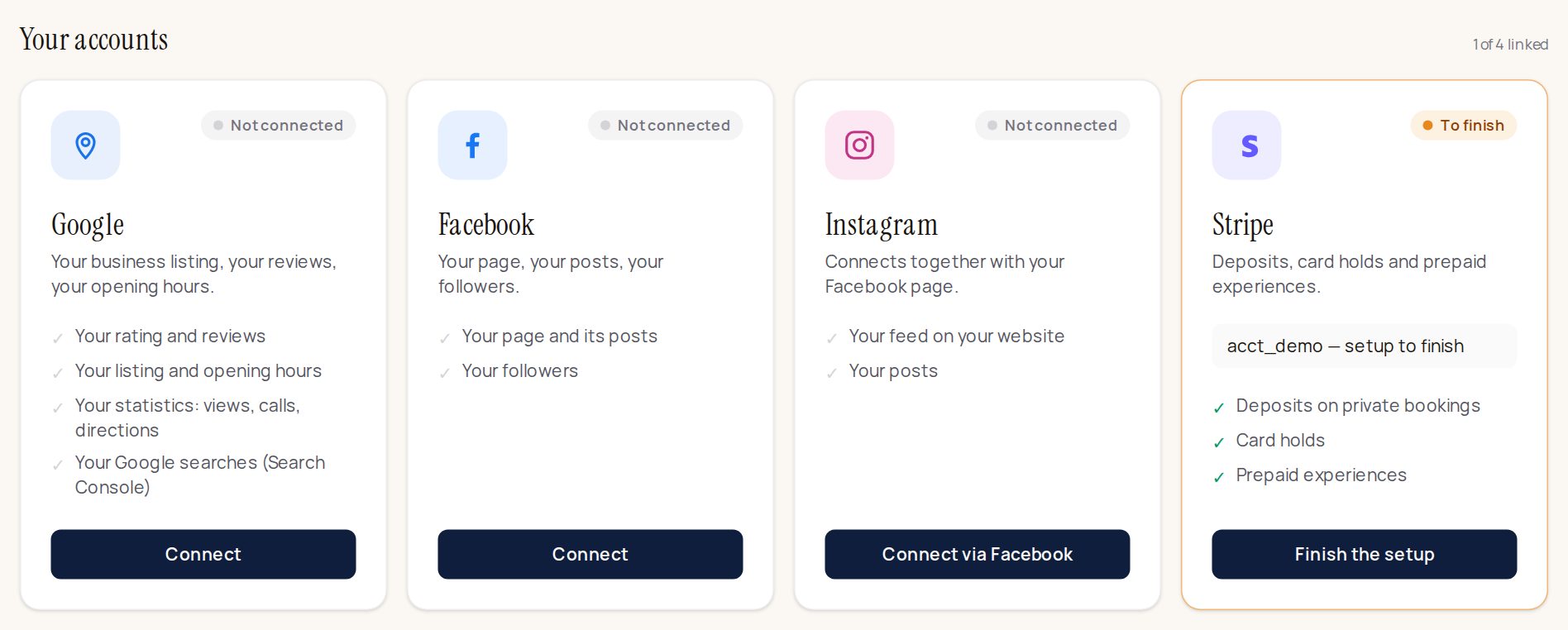
- In the Klarr menu, open Connections. You see one card per account: Google, Facebook, Instagram, Stripe.
- On the Google card, click Connect.
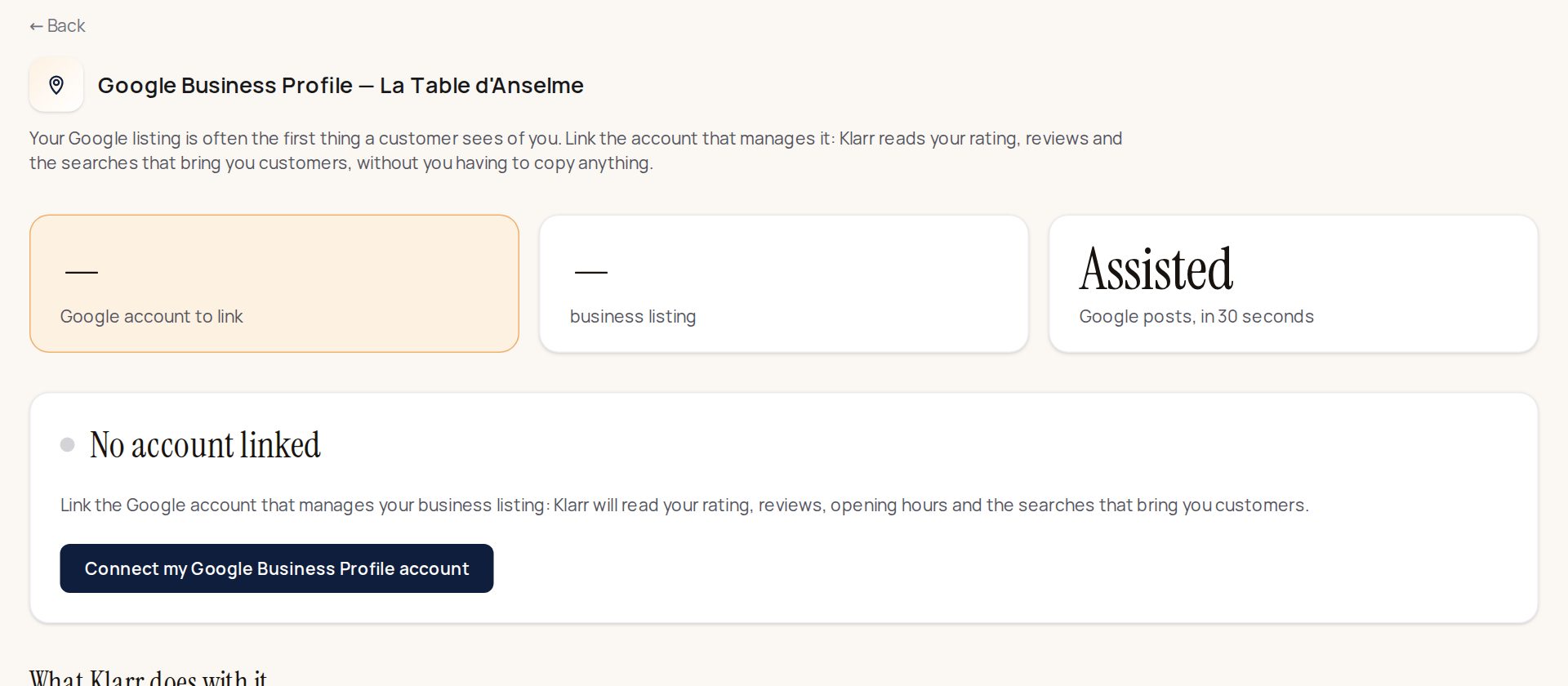
- You land on the Google page. Click Connect my Google Business Profile account.
- Google opens. Choose the Google account that manages your listing: the one you use to change your opening hours on Google. If you are not sure which one it is, try your main Gmail address.
- Google asks whether Klarr may access your listing: click Allow.
- You come back to Klarr. The Google page now shows the name of your listing. Done: there is nothing else to touch.
What Klarr then does on its own
- Your rating and number of reviews appear on your booking page. A guest who sees "4.6 from 214 reviews" books more easily.
- Your reviews appear in Reviews, each with a reply already written.
- The analysis of your reviews: the Analysis tab of the Reviews page shows what your guests talk about (food, service, atmosphere, price, hygiene), what they like and what they hold against you, month by month.
- Your listing stays up to date: your opening hours, description, phone number and website, entered once in Klarr, are copied to Google each time you save, and checked every morning. Your closures too. A field left empty in Klarr erases nothing on Google. Only the categories ("French restaurant", "brasserie"…) are chosen directly on Google.
Replies to your reviews
Every night, Klarr's AI writes a reply to each review still unanswered, in the guest's language, signed in your restaurant's name. In the morning it is waiting for you at the top of your home screen, in "Klarr has prepared".
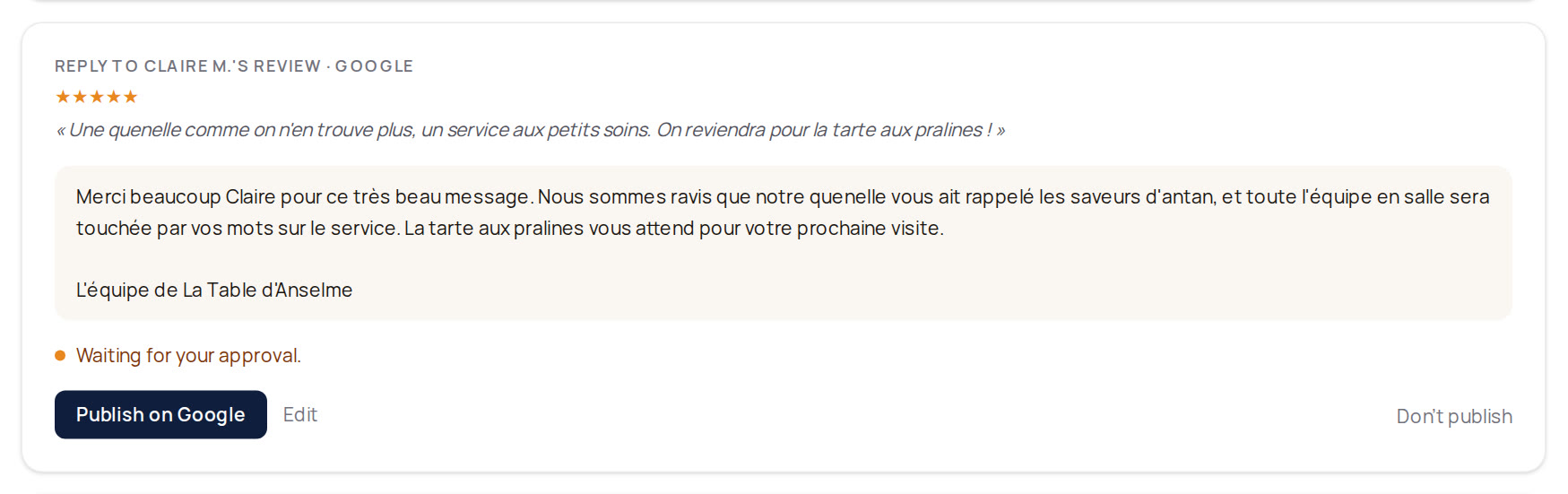
4- and 5-star reviews: the reply goes out on its own 24 hours after being prepared, unless you edit or stop it before then (Don't publish button).
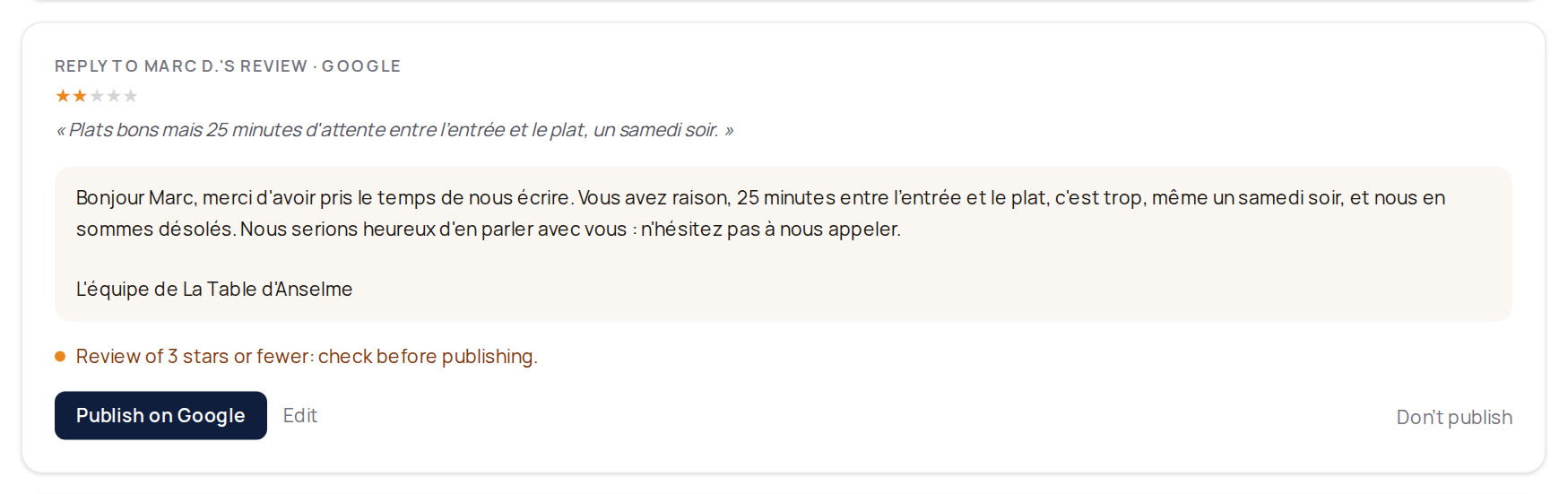
Reviews of 3 stars or fewer, and sensitive reviews (hygiene, allergy, accusations…): the reply always waits for your approval. Read it, correct it if needed with Edit, then publish it.
Your Google listing isn't linked yet? Publishing then takes two clicks: Copy the reply, then Open my Google reviews, and paste the reply under the review. Then click Done, I pasted it: the review leaves the list. Once the listing is linked, the reply goes straight to Google.
You can turn automatic publishing off whenever you like: at the top of "Klarr has prepared", click Turn off. Klarr keeps preparing, and waits for your approval for everything.
The step that brings in the most: your booking link on Google
Google offers a "Book" button on your listing. Put the address of your Klarr booking page there: that is where people look for a restaurant, and it is by far what brings in the most bookings. Five minutes, once.
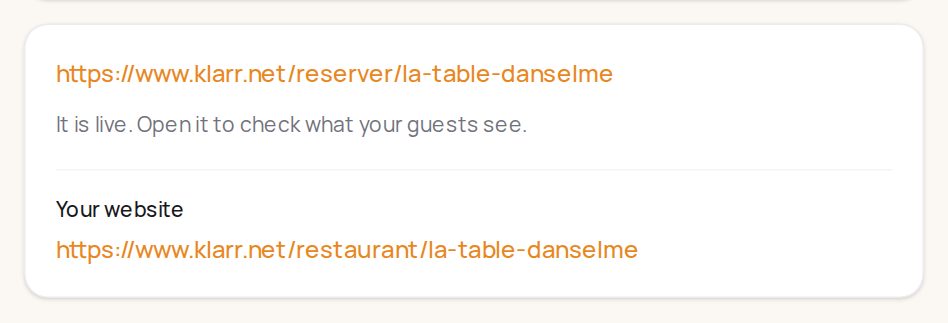
- In Klarr, go to Bookings, then Rooms, services and public page. In the Your booking page part, you see your address, for example
https://www.klarr.net/reserver/your-restaurant. Copy it.
- On Google, signed in with the account that manages your listing, search for your restaurant's name, then click Edit profile.
- Look for the bookings section ("Bookings" or "Booking links" depending on the version), and paste your Klarr address.
- Save. Google can take a few days to show the button.
If linking doesn't work
Almost always, it's the Google account: choose the one that manages your listing, the one you use to change your hours on Google. On the permission screen, tick every box requested. If no listing appears, check on business.google.com that your listing is verified. It doesn't stop anything else: your bookings, menu and floor plan work without Google.
Your place on Google Maps
In the menu, Google ranking shows where your restaurant appears when people search, for example, "craft beer bar Bastille" or "Korean restaurant Paris 5", and who appears ahead of you.
- Type a search the way a guest would (the cuisine, the neighbourhood, a craving), then click Track. You can track three.
- Klarr runs it on Google right away, around your address: you see your place ("3rd out of 20 results") and the top five, with their rating and number of reviews.
- Every Monday, Klarr runs it again: you see whether you climb or drop, week after week.
It's the same question asked from the same place every week, so the weeks compare. A guest sees a slightly different order depending on where they are. What helps you climb: a complete listing, recent reviews with a reply, regular posts.
Stuck? Message us on WhatsApp or write to contact@klarr.net, we'll guide you.